
Top Free Timesheet Trackers for Freelancers in 2025
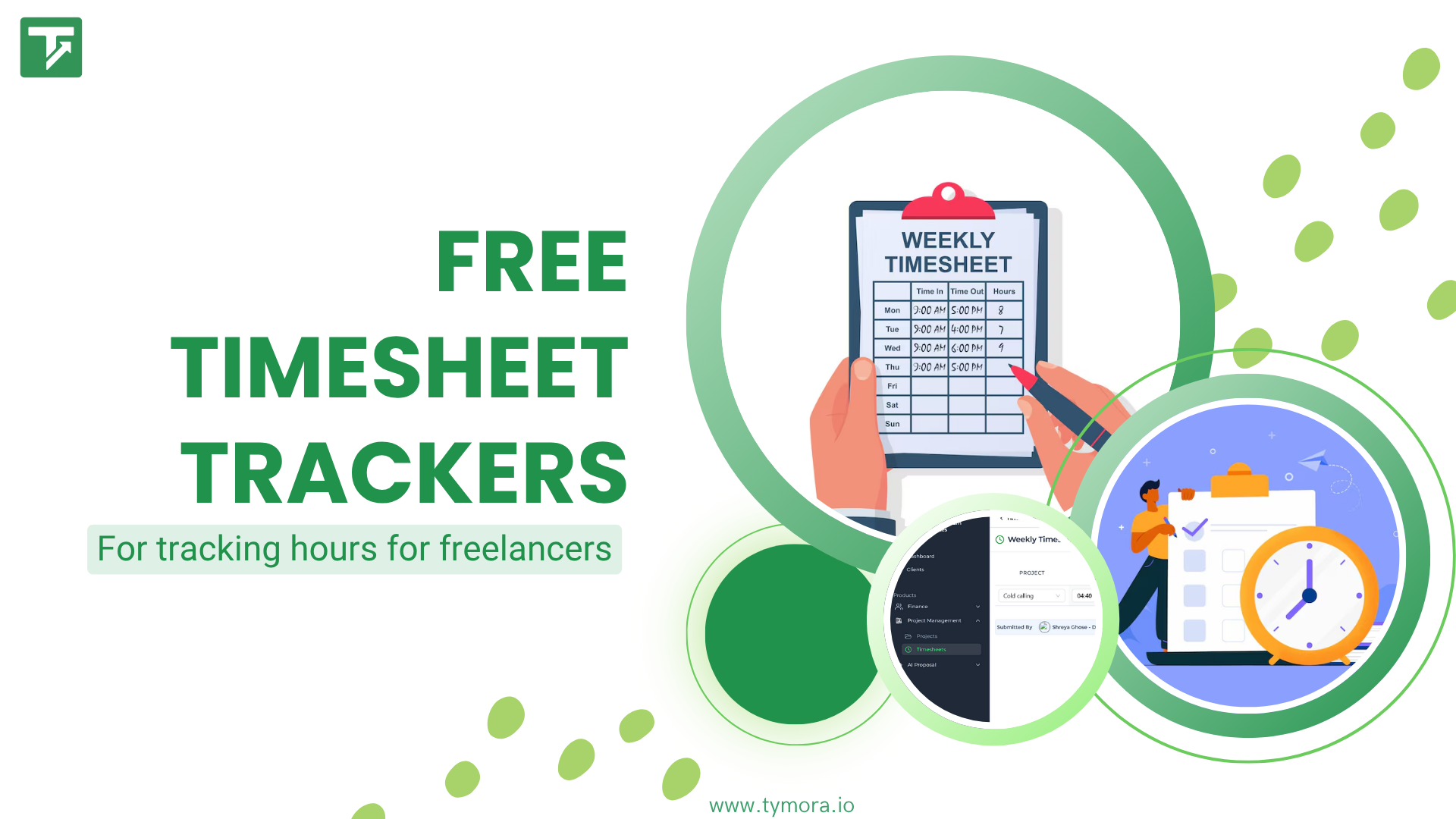
You already know that the hardest part of being a freelancer, managing several clients at once is not the work itself, but rather keeping track of everything.
You and I both know that freelancing is never as easy as “do the task and get paid,” as most people believe. Time passes quickly due to changing deadlines, client calls, changes, and small, unpaid jobs that take up hours. Also, you finish up estimating your hours, undercharging, or working more than you think if you don’t have a free timesheet tracker for freelancers.
Here’s the painful truth: if you don’t track your time, you are almost definitely losing income without noticing. Time is literally your product and every untracked minute is unpaid work. That’s why learning to track your hours properly is one of the smartest habits a freelancer can build, not for discipline, but for survival.
Table of Contents
What Is a Timesheet Tracker?
A timesheet tracker is simply a tool that records how much time you spend on different projects, tasks, or clients, automatically or manually. Think of it as a digital stopwatch with brains: it not only tracks time but also organizes it so you know exactly where your hours are going.
What Happens When Freelancers Don’t Track Time?
Ask around and you’ll see a pattern, freelancers who don’t track time run into the same headaches:
- Guessing instead of billing accurately (“I think I worked 5 hours… maybe 7?”)
- Undercharging without realizing because small tasks go uncounted
- Feeling busy but not knowing where the time goes
- Struggling to justify invoices to clients
- Working more hours than paid hours
The chaos usually feels “normal” until you see the numbers on paper, that’s when the shock hits.
Why Using a Proper Timesheet Tracker Changes Everything?
A free timesheet tracker for freelancers doesn’t just log hours, it gives you control. With one proper system in place, you get:
- Accurate billing: never lose money on untracked minutes again
- Proof for clients: “Here is exactly where the time went”
- A clear picture of profitability: see which clients drain time with low return
- Better planning: estimate future work based on real data
- Less stress: you stop tracking in your head and start tracking in a tool
When you know where your hours go, you stop guessing and start managing. And in freelancing, time management is revenue management.
Must-Have Features in a Free Timesheet Tracker
Not every free timesheet tracker for freelancers is actually useful. Some are just stopwatches with a pretty interface. Before you pick one, make sure it has these essentials:
1. Friction-Free Interface
If you need a tutorial, onboarding call, or a course just to track hours, you won’t stick to it. The app should feel like:
Open → Click → Tracking starts.
No confusion, no 8-step setup.
2. Separate Tracking for Each Client and Project
You should be able to create multiple projects and assign time to individual clients. This helps with:
- Billing by client
- Understanding which clients actually consume most time
- Preventing “all hours getting mixed”
3. Reports You Can Actually Use
A good tracker turns raw time into insights:
- weekly breakdowns
- billable vs. non-billable identification
- exportable CSV/PDF and,
- clarity on where you’re bleeding time.
4. Multi-Device Access
Tracking shouldn’t stop just because you switched devices. You should be able to:
- Start on laptop, stop on phone
- Use a browser extension while working online
- Sync automatically across all devices
5. Customization and Flexibility
Every freelancer works differently. You might bill hourly; someone else charges per project. A flexible tracker lets you:
- Set your hourly rates.
- Add custom categories (like research, editing, meetings).
- Adjust time manually if you forget to hit “start.”
The more you can customize, the more it fits your real workflow instead of forcing you to adapt to it.
6. Data Security and Cloud Backup
his one’s often overlooked. You’re storing business data, client names, project hours, invoices, so make sure it’s secure. Look for trackers with:
- Cloud backup (so you don’t lose your logs if your laptop crashes).
- Encryption or secure login features.
It’s not the most glamorous feature, but trust me, when something goes wrong, you’ll be glad it’s there.
Top Free Timesheet Trackers for Freelancers
If you’re a freelancer, there’s one phrase you’ve probably said way too often:
“I’ll log my hours later.”
And then “later” never comes. The project ends, the client asks for the bill, and you’re left guessing whether you worked 12 hours or 22. So let’s fix that. I’ve rounded up five of the best free timesheet trackers that make logging hours simple, fast, and (dare I say) satisfying, especially for freelancers who are just getting started.
1. Clockify: The No-Drama Tracker for Beginners
If time tracking were a friend, Clockify would be that calm, dependable one who always shows up on time.
Why freelancers love it:
- 100% free for unlimited users and projects
- One-click timer or manual entry (no fuss)
- Detailed weekly and monthly reports
- Works on web, desktop, and mobile
You start the timer when you begin work, stop it when you’re done, and bam, your timesheet’s ready. You can even tag tasks by project or client.
Perfect for you if:
You’re new to freelancing, working solo, and just want something simple that works every single day.
Pro tip:
Create a project for each client. At the end of the week, export your report, no surprises when it’s time to send an invoice.
2. Jibble: The “Set It and Forget It” Tracker
Jibble is for those who want tracking to feel effortless. It’s lightweight, quick to learn, and yes — totally free.
Why it’s great:
- Super simple interface
- Unlimited time tracking (even on the free plan)
- Works for both solo freelancers and small teams
- Auto-generated timesheets and reports
If you’ve ever tried an app that made you feel like you needed a training manual, Jibble is the exact opposite. You’ll be using it confidently within 10 minutes.
Perfect for you if:
You prefer clean, minimal tools that do one thing well: track time without distractions.
Pro tip:
Set reminders or auto start/stop timers if you tend to forget. Jibble’s notifications will save you from missing hours.
3. Tymora: More Than Just a Tracker
Now let’s talk about Tymora because this one isn’t just another timer.
It’s built specifically for freelancers and agencies who want everything: client management, proposals, invoices, and yes, timesheets, in one dashboard.
Why Tymora stands out:
- Free plan includes timesheet tracking, invoicing, and client management
- Lets you log hours against specific projects or contracts
- Generates easy weekly overviews (so you can see where your time really went)
- Integrates directly with your invoices, no double work
Basically, Tymora helps you track time and get paid, without jumping between tools.
Perfect for you if:
You’re tired of juggling five apps and want a single, automated workflow.
Pro tip:
Start using Tymora when you’ve got multiple clients. It’ll help you not just manage your hours but organize your whole freelance business.
4. Clockdiary: Straightforward and Fuss-Free
If you want something that feels like an old-school timesheet but in a modern layout, Clockdiary delivers. It’s not flashy, but it gets the job done.
Why it’s worth trying:
- Free for up to 10 users (so if you team up later, it still works)
- Lets you record daily or weekly hours
- Generates basic reports and invoices
- Accessible via web and mobile
It’s the kind of tool you use if you just want to open, log, and close. Nothing extra.
Perfect for you if:
You prefer simplicity over shiny dashboards and only need to record daily hours.
Pro tip:
Set a daily reminder, timesheet tracking only works if you actually use it. Consistency beats fancy features.
5. TimeTracker.in: The “Quiet Performer”
Not as hyped as the others, but a great find for freelancers in regions like India or Asia.
Why it’s useful:
- Free plan designed specifically for freelancers
- Lets you handle multiple clients/projects
- Converts logged time into invoices instantly
- Gives insights into your productivity patterns
It’s a bit like your own mini-assistant, quietly keeping tabs on what you’re doing while you work.
Perfect for you if:
You want something simple that fits right into your freelance workflow, without bells and whistles.
Pro tip:
Use its analytics feature weekly. It’ll show which projects take the most time and which ones aren’t worth the effort.
Comparison Table: Top Free Timesheet Trackers at a Glance
| Tool | Key Features | Free Plan Limits | Platform Compatibility | Integrations |
|---|---|---|---|---|
| Tymora | All-in-one freelance dashboard; time tracking, client & project management, invoicing, AI-powered automation | Free Forever Plan includes full timesheet tracking, client & project management; some advanced analytics and automation in premium | Web, Desktop (Windows/Mac), Mobile (iOS/Android) | Trello, Asana, Slack, Google Calendar |
| Clockify | Unlimited projects/clients, billable & non-billable hours, detailed reports, team tracking | Unlimited tracking for free; advanced team features and integrations in paid tiers | Web, Desktop, Mobile, Browser extensions | Trello, Asana, Jira, GitHub, ClickUp |
| Jibble | One-click timer, attendance tracking, project/client tagging, detailed timesheets | Free forever for unlimited users; advanced reporting & automations in paid plans | Web, Mobile (iOS/Android), Chrome Extension | Slack, Google Workspace, Microsoft Teams |
| Clockdiary | Simple daily/weekly hour logging, report generation, basic invoicing | Free for up to 10 users; additional users & features require upgrade | Web, Mobile | Basic export integrations (CSV, Excel) |
| TimeTracker.in | Time logging, invoice generation, productivity analytics, project tracking | Free plan for freelancers; team management & premium reports in paid version | Web, Desktop, Mobile | Google Calendar, Excel Export |
How to Choose the Right Time Tracker for Freelance Workflow?
Choosing a timesheet tracker isn’t just about picking the “most popular” app. It’s about finding a tool that fits your workflow, client load, and device usage. Here are practical tips to help freelancers select the best free timesheet tracker for their needs:
1. Start with your current stage
Ask yourself: Where am I in my freelance journey?
- Just starting out? Pick something simple like Clockify or Jibble. They’re easy to set up, totally free, and won’t overwhelm you.
- Managing multiple clients or projects? Go with Tymora, it’ll help you not just track hours but also manage clients, proposals, and invoices in one place.
- Collaborating with a small team? Look at Clockdiary, it supports multiple users even in its free plan.
Rule of thumb: Don’t chase “fancy.” Start with something that feels intuitive. You can always upgrade later.
2. Consider your workflow habits
Be honest with yourself , do you forget to start timers?
- If yes, choose a tracker with automatic tracking or reminders (like Jibble).
- If you’re disciplined, a manual entry tool like Clockdiary might be enough.
Your tool should fit how you work, not force you to change your habits overnight.
3. Think beyond just time tracking
Tracking hours is great, but what about everything that comes after?
If you often need to:
- Send invoices,
- Manage contracts, or
- Generate reports for clients,
Then Tymora is the smarter choice. It’s like having a mini business manager in your pocket, one login, and you can handle tracking, billing, and client management together.
4. Check for cross-device flexibility
If you often switch between your laptop and phone (which most freelancers do), make sure your tracker has mobile apps or browser extensions.
Clockify and Tymora, for example, sync seamlessly across devices, so even if you start tracking on your desktop and stop it on your phone, it stays accurate.
5. Keep scalability in mind
Your freelancing life will evolve, today you might be a solo writer, tomorrow you might be managing a mini team.
Choose a tracker that can grow with you, not one you’ll have to abandon later. Tymora and Clockify both offer smooth transitions from solo use to team management.
Pro Tips: Making the Most of Your Timesheet Tracker
- Start your timer right away – Hit “Start” the moment you begin work; don’t wait till you’re in the flow.
- Create separate projects for each client – Keeps billing clean and helps track profitability per client.
- Review your week regularly – Look at where your time went and what tasks took longer than expected.
- Use tags or labels – Mark hours as billable, non-billable, or by task type for better insights.
- Sync with your calendar – Avoid double bookings and plan realistic workdays.
- Track your breaks too – Understand your natural productivity rhythm and avoid burnout.
- Export data monthly – Keep clean records for taxes, reports, and client proof.
- Make it a daily habit – Spend 2 minutes daily reviewing and updating your hours.
- Use insights to price smarter – Identify underpaid projects and adjust your rates confidently.
- Keep it simple – The goal is clarity, not perfection. Focus on awareness, not micromanagement.
Common Mistakes Freelancers Make When Tracking Time
Even with the best tools, freelancers often trip up on simple habits that quietly mess up their workflow (and their pay). Here are the big ones to watch out for:
- Forgetting to start or stop the timer – The most common (and painful) mistake. Missed hours = missed income.
- Logging time at the end of the week – Memory fades fast. Track daily or you’ll end up guessing.
- Mixing all work under one project – You lose visibility on which clients or tasks take the most time.
- Not separating billable and non-billable hours – Admin work, client calls, and revisions count too but track them separately.
- Ignoring short tasks – “Just 15 minutes” adds up. Those micro-tasks can eat hours over a month.
- Overcomplicating the process – Too many tags, categories, or apps can overwhelm you. Keep it simple.
- Not reviewing reports – Tracking without analysis is like collecting receipts and never looking at them.
- Failing to back up data – Always export or sync your timesheets; losing records before invoicing is a nightmare.
- Not using integrations – If your tracker connects with tools like Asana or Google Calendar, use it! It saves hours of manual entry.
- Stopping when work gets busy – Ironically, freelancers stop tracking when they need it most. Stay consistent, even during crunch weeks.
Conclusion
Tracking your time doesn’t have to be complicated. A free timesheet tracker for freelancers helps you see where your hours go, stay organized, and make sure you’re billing accurately. Even small habits, like logging all tasks and reviewing reports weekly, can make a big difference over time.
Among the options available, Tymora stands out with its easy-to-use interface, multi-device sync, and clear project reports. It’s a simple way to keep all your clients and projects in check without adding stress.
Start tracking your time today, try Tymora for free and see how much easier managing your projects, clients, and hours can be. Even a few minutes a day can boost your productivity and help you earn smarter.
FAQs
1. What is the best free timesheet tracker for freelancers?
The best free timesheet tracker depends on your workflow, but Tymora, Clockify, and Toggl Track are top options in 2025. They offer client/project tracking, reporting, and multi-device support.
2. Can free timesheet trackers handle multiple clients and projects?
Yes. Most top free tools like Tymora and Clockify allow unlimited clients and projects, helping freelancers organize hours, tasks, and invoices efficiently.
3. How can freelancers make the most of a timesheet tracker?
Track all tasks consistently, separate billable and non-billable hours, review weekly reports, and integrate the tracker with your workflow for better productivity and accurate billing
Customer Success Stories
Tymora has completely transformed how I manage my freelance business. From invoicing to tracking expenses, everything is streamlined and effortless.

Monowar Iqbal Layek
Freelancer
Managing my freelance work is so much easier with Tymora. Invoicing is fast, expense tracking is simple, and I feel more organized than ever.

Sandeep Acharya
Freelancer
Tymora made managing my freelance projects and finances seamless. The platform is intuitive, and support is always responsive and helpful.

Samsur Rahaman
Automation Framework Architect