
Freelance Business Dashboard: The Smart Way to Track and Grow Faster
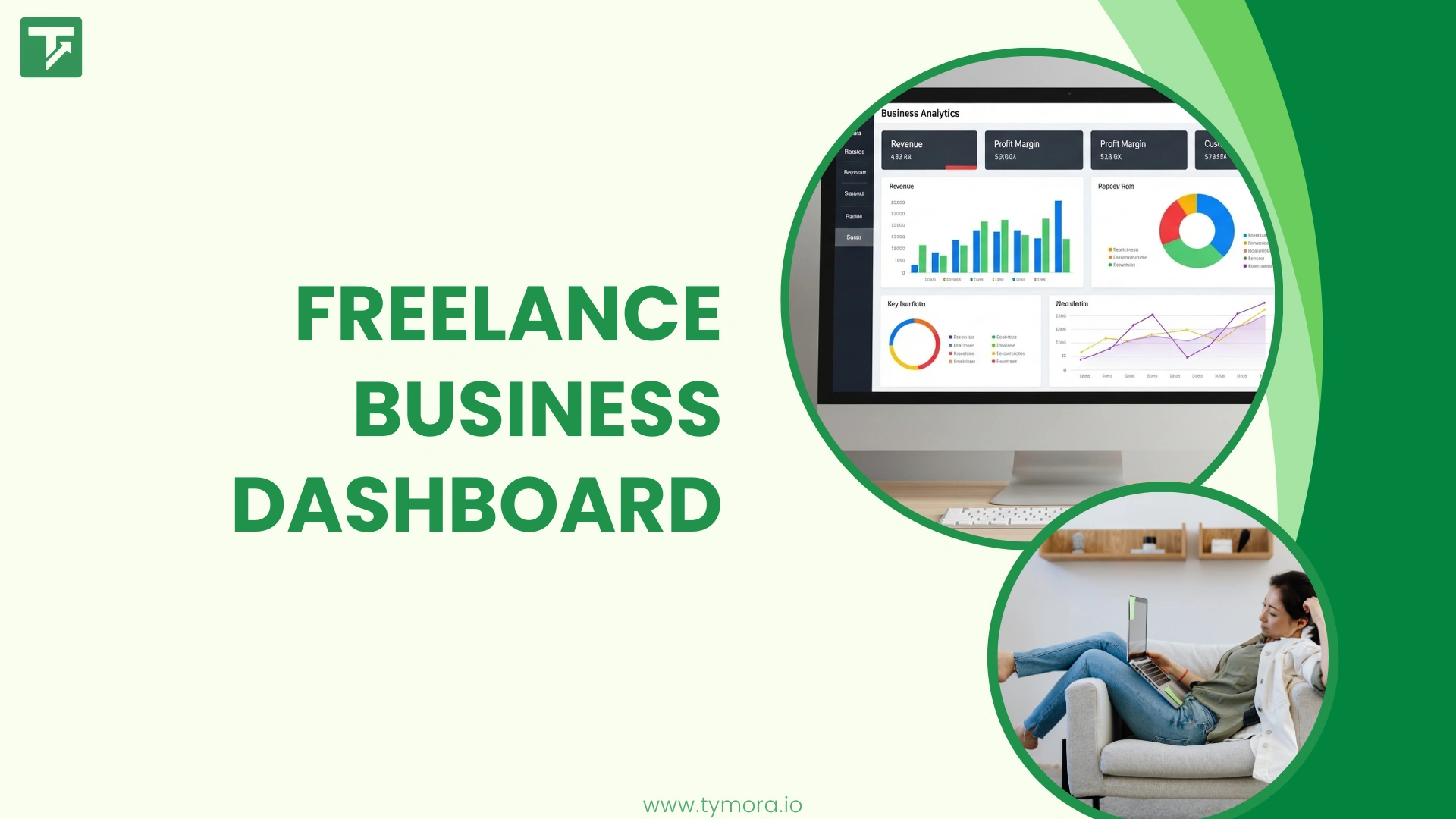
Ever felt like you’re working hard but have no idea where your freelance business is truly heading?
If yes, you’re not alone.
Most beginner freelancers, small agencies, and growing solo businesses reach a point where work feels chaotic. You’re juggling client projects, tracking payments manually, guessing your revenue, or relying on scattered spreadsheets. You feel busy, yet you can’t tell whether the business is actually growing or just spinning its wheels.
This is exactly where a Freelance Business Dashboard with revenue analytics becomes your greatest advantage.
One screen. One source of truth. One place to understand where your money is coming from, what’s working, what’s not, and how to make smarter decisions faster.
And today, you’re going to learn how the right dashboard can turn you from “struggling freelancer” to “business owner in control.”
Why a Freelance Business Dashboard Is a Game-Changer?
Let’s be honest, most freelancers don’t start out with systems. You usually begin by taking a few clients, managing everything manually, and trying to track things in scattered notes, apps, or memory. Over time, this creates a lot of hidden chaos. Payments come in from multiple platforms, you forget which client hasn’t paid yet, and months start blending together without any real understanding of how your business is performing. Decision-making becomes guesswork, and that guesswork leads to anxiety, instability, and overwhelm.
A Freelance Business Dashboard eliminates that chaos by giving you an instant, complete snapshot of your business. You can see your real-time revenue, identify trends, understand which clients or services perform best, and get clarity without relying on spreadsheets or complicated tools. Think of it like giving your business a heartbeat monitor; finally, you can see exactly what’s happening inside.
What a Powerful Freelance Business Dashboard Should Include?
A simple dashboard is not enough. To truly understand and scale your freelance business, you need a dashboard built with revenue analytics and freelancer-specific insights. Here’s what the ideal setup should contain:
1. Real-Time Revenue Overview
A good dashboard should show you everything you need about your current earnings at a glance. This includes your total revenue for the month and year, the amount still pending, what’s already paid, and how much comes from recurring clients. With this, you instantly understand whether you’re growing, stable, or falling behind, every time you open the dashboard.
2. Revenue Analytics & Trends
Analytics help you move from guessing to understanding. You should be able to see your best-performing months, year-over-year growth, slow seasons, profitable services, and high-paying clients. These insights show you which of your efforts are actually paying off and which ones might not be worth your time. It’s the kind of decision-making power big companies use, made simple for freelancers.
3. Client-Level Insights
A powerful dashboard breaks down client behavior clearly. It shows which clients contribute the most to your income, who frequently delays payments, how often clients return, and your average earnings per client. With this information, you can focus your energy on high-value clients, reduce time spent on low-value ones, and plan your work more strategically.
4. Service & Project Performance
Understanding which services bring in the highest revenue and which projects drain your time, is crucial for growth. Your dashboard should clearly highlight which offerings perform the best, which projects are underperforming, and how long different types of work typically take compared to how profitable they are. This clarity helps you decide what you should sell more of and what you may need to stop offering.
5. Financial Health Score
Some advanced dashboards, like Tymora, even provide smart financial indicators such as income stability, predictability of monthly earnings, and cash flow signals. These features turn uncertainty into confidence. Instead of worrying about what next month looks like, you get clear insights that help you plan ahead.
6. Visual Charts That Tell the Story
Freelancers, especially beginners, need simplicity. Visual charts make complex data easy to understand at a glance. They show revenue spikes, low months, client patterns, and overall growth. You don’t need to deal with complicated spreadsheets or formulas, visuals turn raw numbers into clear stories your brain instantly understands.
Why Beginners Need a Dashboard With Revenue Analytics More Than Anyone Else?
Most freelancers wait too long to organize their finances and insights. But the earlier you build systems, the smoother your growth becomes. Revenue analytics give you clarity from day one.
First, you scale faster because you actually know what’s happening. You can see where money is coming from, what’s taking too much time, and how much you really earn each month. Second, you make better decisions. Instead of relying on assumptions, you can raise your rates confidently, remove low-paying services, identify profitable niches, and forecast slow or strong months. This is how freelancers transition into business owners.
A dashboard also boosts your motivation. Seeing your revenue grow, your repeat clients increasing, or your performance improving month over month builds massive momentum. And finally, it removes the fear and uncertainty of freelancing. With clear patterns and predictions, you gain stability — even in unpredictable months.
The Secret Weapon Many Freelancers Are Now Using: Tymora
Most freelancers struggle because their tools are scattered: one app for time tracking, one for payments, one for reports, one for notes… everything everywhere.
Tymora changes that by giving freelancers a heroic, all-in-one dashboard that shows:
- Real-time revenue
- Project performance
- Client analytics
- Trends and insights
- Future earning predictions
It feels less like a software tool and more like a business partner, one that keeps you organized, confident, and in control.
And the best part? It doesn’t feel corporate or complicated. It’s built for freelancers, solopreneurs, and small teams who want clarity without spreadsheets.
Tymora appears subtly in your workflow; not as an advertisement, but as a silent hero making your business predictable and stress-free.
How a Freelance Business Dashboard Helps You Grow?
- Plan better: You know what your next 30–90 days look like.
- Close better clients: You see which clients deserve more focus.
- Increase revenue strategically: Analytics reveal hidden opportunities.
- Take control of your time: Data shows which projects are draining you.
- Build confidence and stability: Uncertainty disappears when insights are clear.
Your Freelance Business Is Not “Small.” It Just Needs Clarity
Every successful freelancer eventually realizes this simple truth:
You don’t grow by working harder.
You grow by seeing clearer.
And clarity comes from having the right dashboard, one that shows your business from every angle without overwhelming you.
A Freelance Business Dashboard with revenue analytics is not a luxury. For beginners, it’s a lifeline.
For growing freelancers, it’s a growth engine. For small businesses, it’s a foundation for predictable success.
Conclusion
If you’re tired of guessing your income, juggling spreadsheets, or feeling lost in your own business — it’s time to upgrade your clarity.
Try a tool like Tymora and experience what it feels like to finally see your freelance business in one clean, powerful dashboard.
One screen. One story. One path forward.
Your business deserves clarity.
Your future self deserves confidence.
Start with your dashboard today.
1. What is a Freelance Business Dashboard and why do freelancers need it?
A Freelance Business Dashboard is a centralized view that shows your earnings, projects, clients, and performance insights. Freelancers need it to track growth, monitor cash flow, and make smarter business decisions without juggling spreadsheets.
2. How does a Freelance Business Dashboard with revenue analytics help me grow faster?
A dashboard with revenue analytics reveals trends, profitable services, high-value clients, and monthly earnings patterns. These insights help freelancers improve pricing, plan workload better, and scale their business with confidence.
3. What should a good Freelance Business Dashboard include?
A good Freelance Business Dashboard should include real-time revenue tracking, client insights, pending payments, project performance, and clear visual charts. These features make financial management easier for beginners and small businesses.
4. Can a Freelance Business Dashboard help me predict future income?
Yes. A strong dashboard with revenue analytics shows earning patterns, seasonal trends, and repeating client behavior. This helps freelancers estimate upcoming revenue and plan for slow or high-income months.
5. Is a Freelance Business Dashboard useful for small agencies or only solo freelancers?
Small agencies benefit just as much. A Freelance Business Dashboard helps teams track revenue streams, compare project performance, and manage client profitability in one organized place.
6. How does Tymora work as a Freelance Business Dashboard?
Tymora naturally functions as a smart Freelance Business Dashboard by giving users clear revenue insights, client analytics, and simple financial tracking. It helps freelancers stay organized and make confident decisions without needing complex spreadsheets.
What's inside?
Customer Success Stories
See how agencies and freelancers are transforming their businesses with Tymora
Tymora has completely transformed how I manage my freelance business. From invoicing to tracking expenses, everything is streamlined and effortless.

Monowar Iqbal Layek
Freelancer
Managing my freelance work is so much easier with Tymora. Invoicing is fast, expense tracking is simple, and I feel more organized than ever.

Sandeep Acharya
Freelancer
Tymora made managing my freelance projects and finances seamless. The platform is intuitive, and support is always responsive and helpful.

Samsur Rahaman
Automation Framework Architect